Action Camera vs 360 Camera for Walking Tour Videos

Affiliate disclosure: As an Amazon Associate, Gear for Greatness earns from qualifying purchases. The shopping links below may earn us a commission at no extra cost to you. No hands-on product testing is claimed.
Start with the video viewers will watch
A walking-tour video is not defined by the number of lenses on the camera. Viewers want a steady perspective, clear surroundings and sound that helps them feel present in the location. A conventional action camera records a selected direction, while a 360 camera can record a surrounding scene and allow the editor to choose a view later. The second method offers flexibility, but requires more processing and decisions in postproduction. A useful buying comparison begins with the final viewing format: a long horizontal walk, short vertical highlights or an interactive 360 recording.
What a standard action camera makes simple
A conventional action camera typically gives you a wide view of what the camera faces. Framing is straightforward: point the camera, check the preview and record. You can edit the resulting clip in most common video programs without first choosing a virtual camera angle. This can be valuable during a busy public event when you want to spend more time filming than adjusting settings. If an interesting event happens behind you, however, it will not appear in the recorded field of view. You need to anticipate where the action will be.
How 360 recording changes the workflow
A 360 camera uses multiple views to capture its surroundings and later combines them into an immersive image. In a compatible editor you may reframe the footage, choosing the direction, apparent lens width and camera movement after recording. That is useful for street events or travel moments when you cannot predict which direction will be interesting. The tradeoff is work: clips may need stitching, reframing, rendering and more storage than a straightforward conventional recording. The quoted 360 resolution covers a much wider sphere and should not be compared directly with a conventional camera's cropped final frame.
Resolution claims require context
A marketing resolution such as 5.7K or 8K does not tell the whole story about how detailed the final reframed shot will appear. When a 360 video is cropped down to one viewing direction, only a portion of the total spherical image becomes the final picture. Conventional cameras devote their recorded pixels to a narrower forward image. Compression, lens quality, sharpening and stabilization also affect visible detail. Compare actual delivered clips in the output format you intend to publish rather than assuming a larger number automatically wins.
Stabilization and walking motion
Both camera types may use electronic stabilization, but their approaches can differ. A 360 camera can use the surrounding capture to adjust the virtual horizon and direction within the recorded sphere, which can make walking footage flexible. A standard action camera may provide highly effective stabilization within its original field of view. Neither eliminates every footstep or abrupt camera movement. A relaxed walking pace, steady grip and careful mounting height can matter as much as the advertised stabilization mode. Inspect the result at your intended frame rate.
Low light and after-dark events
Evening street scenes challenge small cameras. Dark sidewalks, bright signage and moving people can demand compromises in shutter speed, exposure and noise reduction. A 360 camera splits its imaging across multiple directions and may not reproduce the same detail as a conventional camera at the final reframed viewing angle. Performance depends on actual sensor, lens and processing characteristics, not just category. Test representative night footage at normal playback sizes and consider whether low-light image quality matters more than reframing flexibility for your intended walks.
Audio needs its own plan
A walking tour can feature ambient street noise, music, public announcements and commentary from someone beside the camera. Built-in microphones may capture usable atmosphere, but wind can overwhelm narration in either camera type. Check compatible wind protection and whether the camera supports the external microphone arrangement you need. For 360 recording, consider whether an attached microphone or accessory becomes visible in the capture. Test whether your voice and nearby commentary remain understandable while walking, especially when the camera is held away from your face.
Editing time versus creative flexibility
The simplest recording is not always the most satisfying final video, but every extra editing step costs time. A standard action-camera clip may need only trimming, basic colour work and sound adjustment. A 360 clip offers virtual pans, subject tracking and multiple social-media crops from the same recording, but it may also demand application-specific exports. Before buying, confirm that the software you prefer supports the files and workflow. If you dislike complicated reframing, conventional capture may be more enjoyable even when it offers fewer compositional options.
Mounting and protecting the camera
A small handheld grip can make both designs easier to operate, but lens exposure differs. Many 360 cameras have outward-facing lenses that require careful handling and suitable protection during transport. Do not set the camera down where a protruding lens can contact a rough surface. A conventional action camera may fit into a protective frame or case, though accessories can obstruct microphones and ports. Choose mounts rated for the full setup and use a wrist-retention method appropriate to the activity. Check how quickly the camera can be put away in crowded places.
Battery life and file management
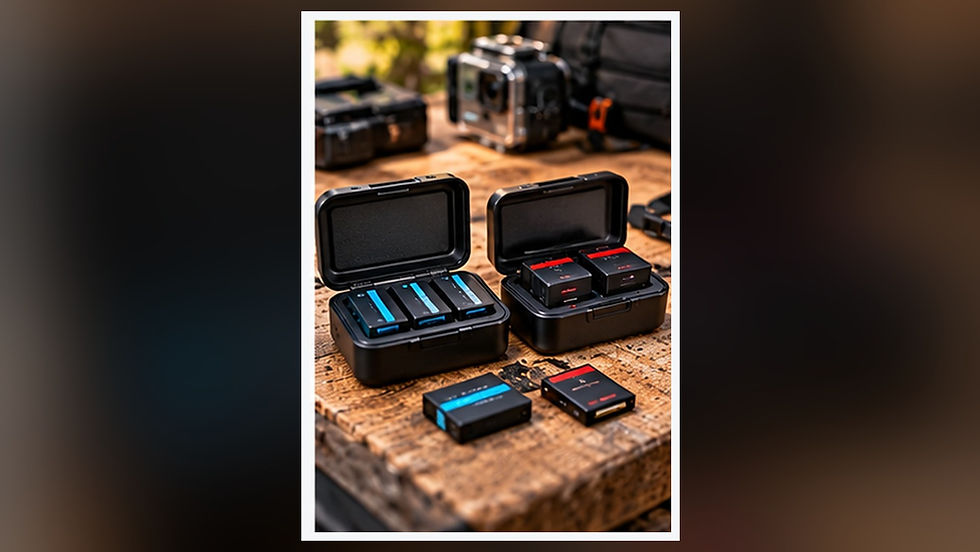
Continuous recording duration depends on the model, video settings, screen use, temperature and battery condition. Do not assume two cameras with similar advertised runtime will perform equally during long walks. 360 video may generate large files and require additional computer processing before sharing. Verify memory-card requirements and available storage. Bring protected spare power only when compatible with the exact model and follow charging-temperature limits. A reliable workflow includes copying original footage, checking transfers and maintaining an independent backup before formatting the camera card.
Which camera suits your walking tour?
Choose a conventional action camera when you want an efficient point-and-record workflow, straightforward editing and a direct forward-looking perspective. Consider 360 capture if you value choosing angles after the walk, producing multiple reframed clips or sharing immersive scenes. Either approach can work for a parade, city outing or scenic trail, but they produce different workloads. This is a comparison of camera categories and recording workflows, not a claim that Gear for Greatness personally tested the linked models.
Frequently asked questions
Can 360 video be uploaded as a normal flat video? Yes, after reframing and exporting through a compatible workflow. Is a 360 camera automatically sharper? No, especially when judging a cropped directional export. Do action cameras record usable audio in wind? Wind protection and microphone placement are important regardless of camera type. Can I edit everything on a phone? Many cameras have mobile software, but export features and file support vary by model. Do I need an invisible selfie stick? Not necessarily; it is one stylistic option and does not guarantee every accessory will disappear from the captured view.
Compare cameras for walking videos
Option 1 — Standard Action Cameras
Option 2 — 360 Cameras
Amazon buttons open product searches. Verify exact camera specifications, warranty, stock and software compatibility before buying.

Comments