LG C5 vs G5 OLED: When Is the Gallery Upgrade Worth It?

Affiliate disclosure: As an Amazon Associate I earn from qualifying purchases. Gear for Greatness may receive a commission through the links below, at no additional cost to you.
Quick verdict
C5 is the value starting point if you want a capable OLED without paying for the G5’s higher-tier design. Consider G5 when its brightness system, compatible PC refresh capability or wall-oriented installation has a clear role. These are the C5/G5 families, not a claim that they are the newest LG models.
This comparison uses the manufacturer sources linked below and practical buying criteria. It does not claim a controlled hands-on test or original performance measurements. Cover artwork is an AI-generated concept illustration, not a photograph of a tested branded product; the separate graphic explains the decision.
At a glance
Published 77-inch examples | C5 OLED77C5PUA | G5 OLED77G5WUA |
Brightness branding | Brightness Booster | Brightness Booster Ultimate |
Compatible PC VRR headline | Up to 144 Hz | Up to 165 Hz |
Installation check | Confirm stand and regional package | Cited WUA listing includes a wall-mount package |
Both start with OLED picture-pixel control
C5 and G5 belong to LG’s 2025 OLED families. Their self-emissive pixels provide the structural basis for dark pixels beside bright details without an LCD backlight zone. That shared strength does not mean the two finished models have identical brightness or processing.
LG distinguishes the two with different brightness-system and processor branding. Treat the published descriptions as design information. This guide does not invent peak-luminance measurements or convert a manufacturer percentage into a universal advantage for every size.
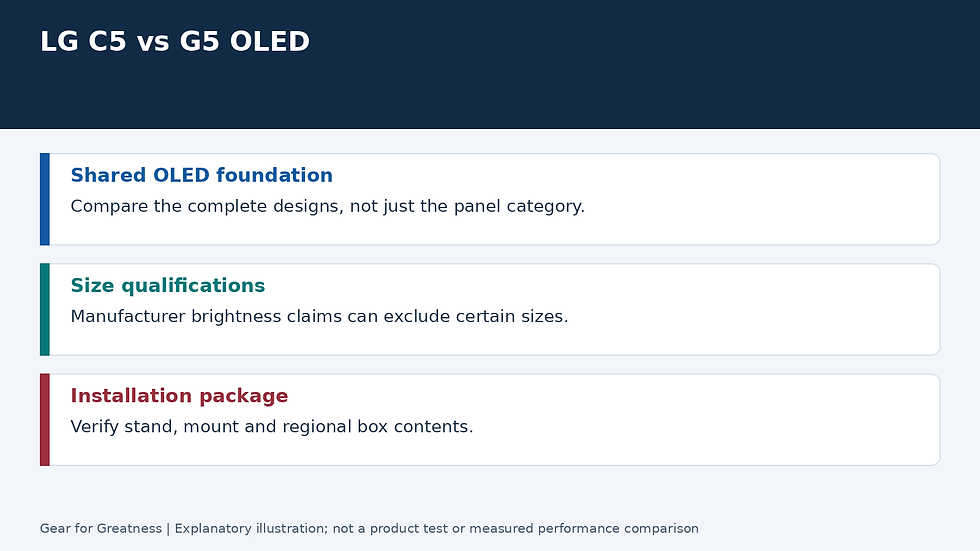
Check the size behind any brightness claim
LG’s qualifications distinguish sizes and test conditions. Do not transfer a claim made for one part of a family to every screen carrying the same name. Compare the exact size you plan to buy and the picture mode used in any measurements you consult.
For your own assessment, look at bright HDR detail as well as an ordinary programme in realistic room light. The more expensive brightness system deserves the premium only if its effect is useful in your viewing conditions.
PC refresh support is a separate benefit
The published high-refresh distinction is relevant to a compatible computer and source mode. It does not mean a console automatically outputs the higher rate or that every game runs at the advertised maximum.
If you mainly watch films or use ordinary console modes, give that headline appropriate weight. A useful installation, comfortable screen size and satisfying picture may matter more than capacity your source never uses.
Read the installation package carefully
The cited G5 WUA example is a wall-mount package. Do not assume every regional G5 listing includes the same mount or a tabletop stand. Verify the actual box contents and budget for the support arrangement your room requires.
For either television, follow the installation instructions and OLED care guidance. Include static-content habits, room light and the written warranty in the purchase decision rather than treating every OLED setup as identical.
Who should buy, and final choice
Choose C5 when its picture and features already meet your needs and the complete package provides better value. Consider G5 for an installation deliberately built around its higher-tier brightness design or suitable high-refresh PC use.
Skip the premium if you cannot identify a benefit that matters from your normal seat. Compare the exact sizes and full delivered cost, and keep a satisfying existing television until an upgrade solves something concrete.


Comments