SD Card Labeling vs Card-Wallet Rotation for Preventing File Mix-Ups

Affiliate disclosure: Gear for Greatness may earn from qualifying Amazon purchases. This buyer guide is based on general product-category characteristics and does not claim personal testing of the linked items.
What makes this purchase important
Misplacing an SD card or accidentally formatting the wrong one can be more costly than buying a better storage case. Labels and a physical card-rotation routine help with different parts of the problem.
Option A: strengths and compromises
A numbering system makes cards easier to identify in a camera bag and a backup log. Use slim labels specifically meant for memory cards, and never obstruct contacts or create thickness that could jam a slot. Some cards already have visible identifiers you can record without adding stickers.
Option B: strengths and compromises
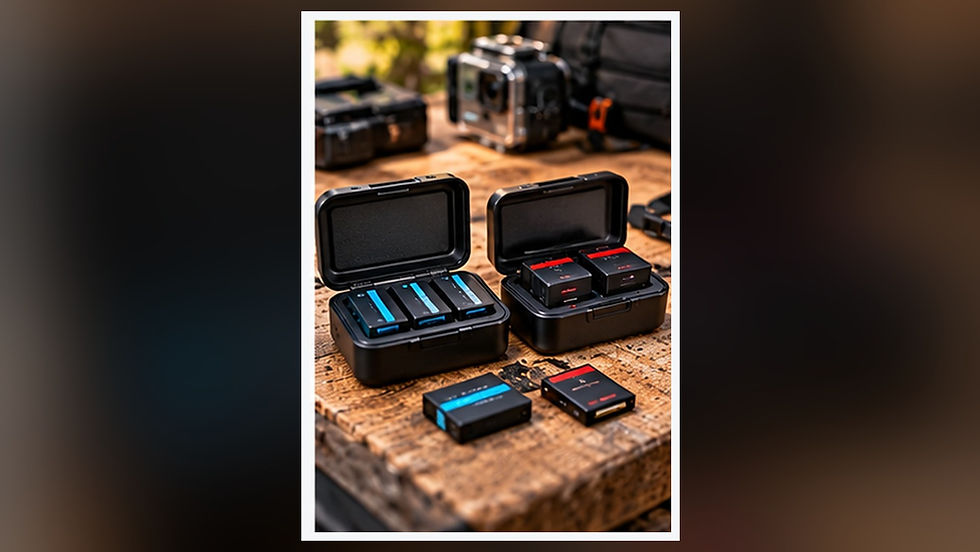
A protective wallet organizes used and empty cards in separate positions. Consistency is the important part: decide which side means “unbacked-up” before the shoot and never reverse it halfway through a trip. A closed case also reduces dust and accidental bending.
Mistakes to avoid
Neither a label nor a case proves the files were copied successfully. Keep cards unformatted until a destination backup has been checked, preferably on more than one device for important material. Maintain a simple shoot-date and card-number log.
Which option fits your needs?
If your biggest problem is confusing similar cards, start with card numbers and a written workflow. If cards are moving loose in pockets, buy a proper wallet first. For paid assignments, using both is a small investment in organization.

Buying checklist
Confirm case fits SD or microSD sizes used, is easy to open with cold hands, and has a separation routine for empty, recorded and verified cards.
A practical card-rotation routine
Number the cards, establish a separate slot for used media and keep the same convention for every shoot. Immediately after recording, move the card into the designated used slot rather than placing it loose in a pocket. Once files are copied, confirm that they open on the destination drive and, for important work, keep a second independent copy before formatting the original. Labels and wallets are reminders; they do not verify a backup. Keep the system simple enough to use when tired or working quickly.
Frequently asked question
Should I erase a card after copying its files?
Only after checking that the copy is complete and usable and your backup plan is satisfied. For irreplaceable work, maintaining a second copy before formatting is prudent.
Compare relevant gear on Amazon
Option 1 — SD Card Labels
Option 2 — Protective SD Card Wallets
These buttons open Amazon search results rather than guaranteeing a particular seller, price or current stock. Confirm specifications, compatibility, shipping and return terms before purchase.

Comments